How Many Images Should a Photography Portfolio Have? A Practical Editing Guide
Ask ten photographers how many images a portfolio should contain and you'll get ten confident answers, most of them different. Part of that is taste. Part of it is that the question is usually asked backwards. The number isn't the starting point; it's what's left over once you've decided what the portfolio is for.
A portfolio isn't an archive. It's an argument: this is how I see, this is what I'm good at, this is the work I want more of. Every image either strengthens that argument or thins it out. Ten pictures pulling in the same direction will beat forty that wander. So the useful question isn't "how many?" but "which ones, and in what order?"
Start With Workable Ranges, Not a Magic Number
Some rough ranges are worth keeping in mind, mainly so you notice when you've drifted a long way from useful:
- A general portfolio site: roughly 15–25 images, often split across three or four projects or series.
- A single project or story: 8–15 images — enough to establish place, people and pace without repeating yourself.
- A client pitch or commission enquiry: 6–10 images chosen for that client's world rather than your own history.
- A printed portfolio or book: 20–40 images, because print slows the viewer down and rewards a longer read.
- A juried submission or open call: exactly what the guidelines ask for. Not one picture more.
Treat those as starting points rather than rules. A portrait photographer with one distinctive approach might need twelve pictures and nothing else. A documentary photographer with several long-term projects might need thirty, spread across four galleries. What matters is that the number comes from the work, not from a target you invented in advance.
Why the Tighter Edit Reads Stronger
Attention is finite. Someone scrolling your site gives you a few seconds before deciding whether to keep going. The longer the set, the greater the chance they hit an image that doesn't hold them — and stop there rather than continue.
There's a subtler effect, too. Strong images make their neighbours look weaker. Put an outstanding frame beside a merely decent one and the decent one suffers more than it would alone. Take it out and the strong picture gets room to breathe. Cutting isn't a verdict on your work. It's a service to the two or three pictures you actually want people to remember.
The Three-Pass Edit
Trying to choose a final set in one sitting is how people end up with thirty-seven images and a headache. Work in passes instead, with a night's sleep between them.
Pass one: the loose cut
Go through everything and pull anything with a pulse into a single folder. Don't rank yet. If you hesitate for more than a second, leave it in. This pass is about gathering, not deciding.
Pass two: the hard cut
Sleep on it, then halve the folder. Judge every image on its own terms: does it stand up without the story you remember from the shoot? Shrink them all to thumbnail size so composition does the talking rather than detail. This is where the real work happens, and it should feel slightly painful.
Pass three: the sequence cut
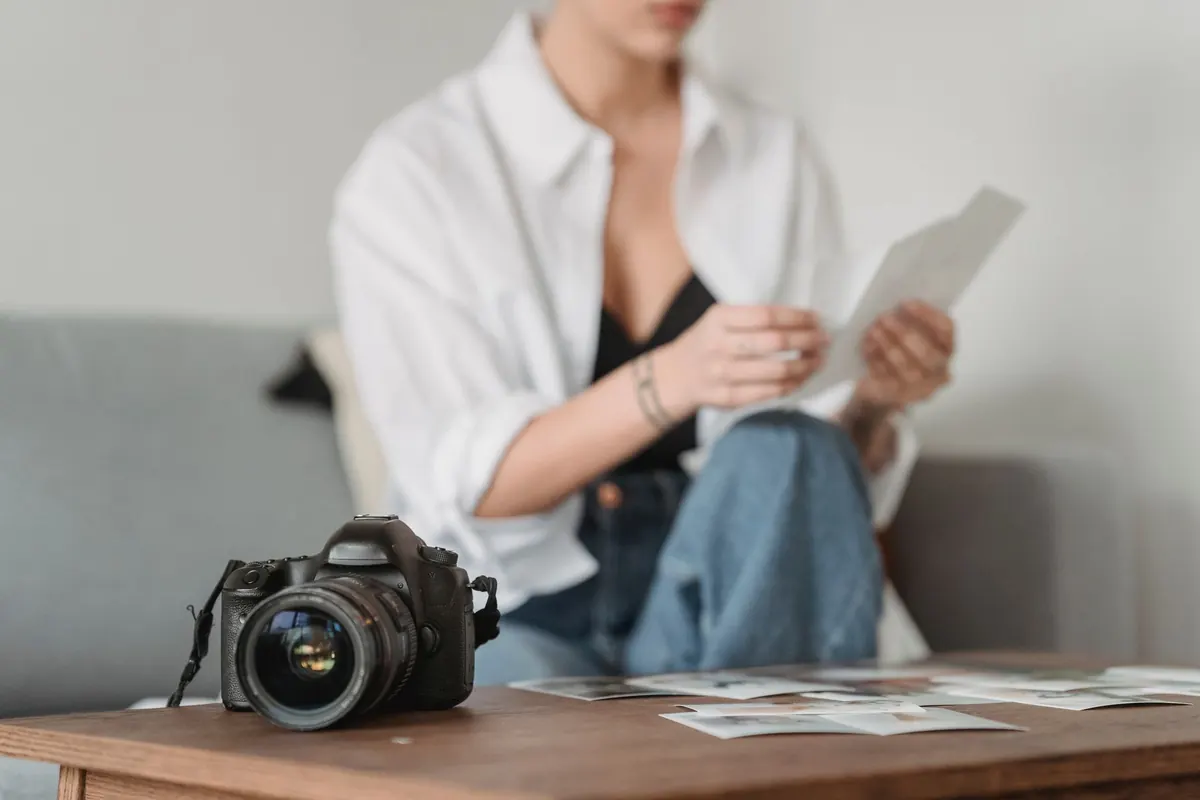
Lay the survivors out in a grid, or pin them to a wall. Now you're judging a set rather than single pictures. Two frames that say the same thing become one. In a coherent set of twelve, the weakest three are usually the ones to lose — even when each is technically fine.
What to Cut, Specifically
When you're stuck between two frames, these tests do most of the deciding:
- You only really like one of them. Where two images are near-identical, keep the stronger. If you genuinely can't choose, you haven't looked closely enough yet.
- It needs explaining. If an image only works with a caption, or with the story of the day behind it, it isn't carrying its weight.
- You're keeping it for the memory. That's a fine reason to love a photograph and a poor reason to publish it.
- It's proving something. The frame included to show you can shoot wide, or in colour, or after dark. Range reads better as three excellent pictures in different modes than as one of everything.
- It's the weakest in its group. Nine times out of ten, the image you keep hovering over is the one to cut.
- It's there to fill space. A gallery that feels thin at eight pictures is telling you to shoot more, not to pad.
Don't delete anything. Move the cuts into an "out" folder and look again in six months. Some images come back once the work around them has changed.
Sequencing Changes the Count
Order affects how many images you can get away with. Open on your strongest welcoming frame — something a stranger can walk into without context. Then vary: wide, then close; quiet, then busy; a face, then a room. Avoid placing two similar frames side by side, because they cancel each other out and make the whole set feel repetitive even when it isn't.
Keep a rhythm of two or three images per beat of the story, and end on something that resolves rather than trails off. A well-sequenced set of fifteen reads faster and feels shorter than a random twenty-five. Sometimes tightening the order removes the need to cut at all.
When to Stop
Stop when you would defend every image in the set without hedging — no "well, it works in context". If you find yourself apologising for picture number eighteen, that's your answer.
Then leave it alone for a few months. Come back, look at the first screen the way a stranger would, and remove the one image that has aged worst. A portfolio that gets a small, regular edit stays alive; one that only ever grows slowly turns into a storage cupboard. Twelve pictures you'd put your name to will serve you better than forty you'd have to explain.
Photo: George Milton / Pexels